Have you ever stayed up until 3 AM just to beat the final level of a rhythm game? Have you ever felt your heart pounding when the final arrow appeared on the screen? If the answer is yes, you are not alone. Since 2020, a small indie game has exploded into a global phenomenon with over 50 million plays, causing millions of gamers—from students to office workers—to spend endless hours "grinding." Its name? Friday Night Funkin’ – or FNF for short.
But this isn't just a simple rhythm game. FNF is a story about limitless creativity, a talented community of modders, and sleepless nights spent conquering every note. Most importantly, FNF proved that: You don't need AAA graphics, you don't need million-dollar marketing – just top-tier gameplay and a passionate community are enough to create a legend.
Play FNF for free right now at fnfgo.pro – No download, Unblocked!
What is FNF (Friday Night Funkin') and why did it become a global phenomenon?
FNF is an indie rhythm game developed in 2020. Cameron Taylor (ninjamuffin99) is a game programmer and his friends PhantomArcade3k and evilsk8r, these two are in charge of Artist, kawaisprite is in charge of music. Since its inception, the game has received great love from the online community. It attracts players not only with its interesting storyline and gameplay, catchy and vibrant music but also with its open source feature. Let's find out more about this game!
Unique storyline
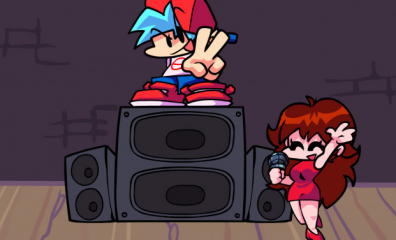
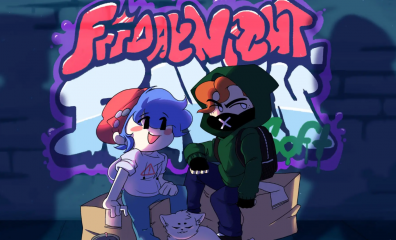
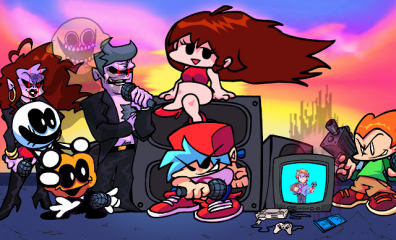
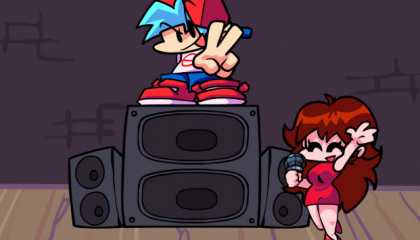
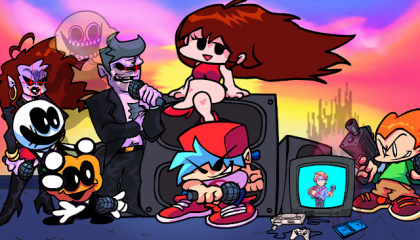
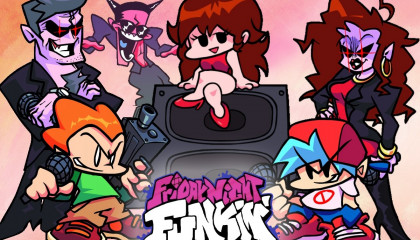
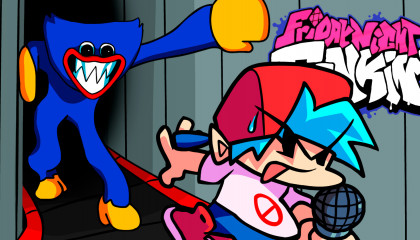
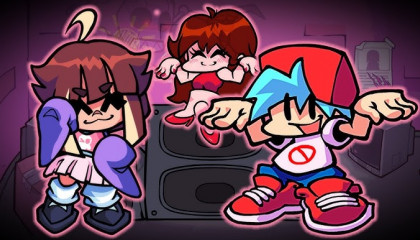
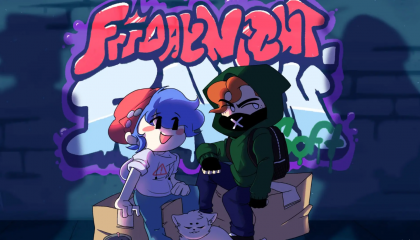
The story of this music game revolves around the main character Boyfriend - a young man with blue hair, who is trying his best to conquer the heart of Girlfriend. To get a date, Boyfriend needs to overcome 7 consecutive weeks of music challenges with different opponents on different tracks.
Here is the challenging 7 Weeks journey that players must overcome:
Week 1: Confront Daddy Dearest to affirm their bravery through three songs: Bopeebo, Fresh, Dadbattle.
Week 2: Fight the young couple Skid & Pump in Spookeez, South and the monster Monster (Monster).
Week 3: Confront the gunman Pico on the rooftop through extremely "dusty" rap songs: Pico, Philly Nice, Blammed.
Week 4: Compete with mother-in-law Mommy Mearest on the roof of the limousine through Satin Panties, High and the super difficult song M.I.L.F.
Week 5: Compete on Christmas with both parents-in-law through three songs: Cocoa, Eggnog and face the nightmare of Winter Horrorland.
Week 6: Get lost in a 32-bit simulation game against Senpai (through two songs Senpai, Roses) and the evil spirit Spirit (through the song Thorns).
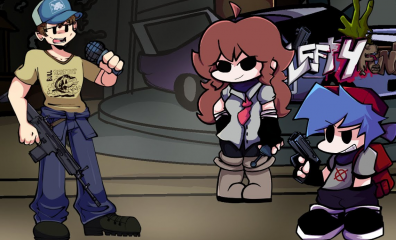
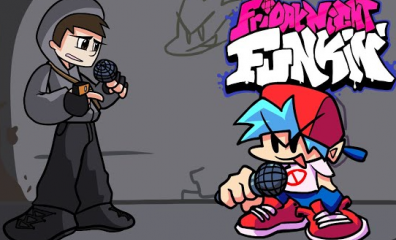
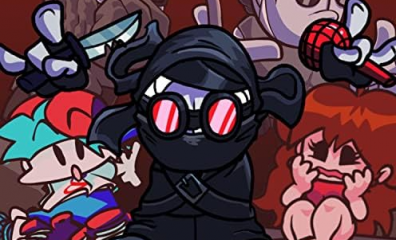
Week 7: Fight on the battlefield with Tankman through dramatic melodies: Ugh, Guns, Stress.
Gameplay: Easy to understand but difficult to master
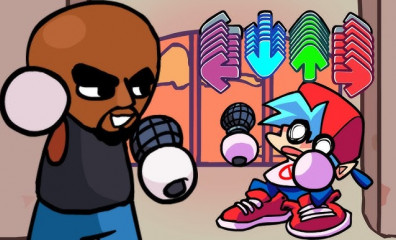
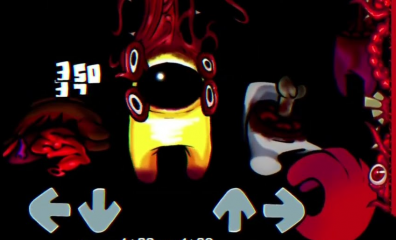
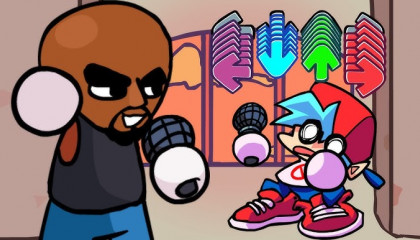
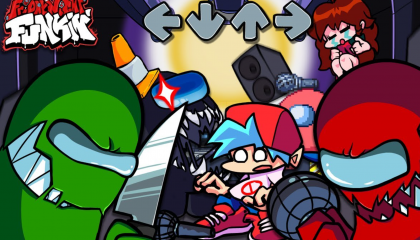
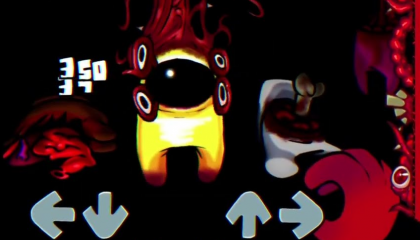
FNF's gameplay is extremely minimalist: Players only need to use 4 arrow keys (or WASD) to press in accordance with the arrows floating up on the screen to the music.
However, "easy to play" does not mean "easy to win". That simplicity quickly disappears when you enter the difficult levels (Hard) or the expansion mods. The speed of the arrows flying at breakneck speed, combined with the constantly changing beats, requires players to have excellent musical sense and extremely fast hand reflexes. This is the addictive element, making players feel frustrated when they lose, but also excited to try again immediately.
FNF's unique rhythm
The music in FNF is a vibrant mix of Nu-jazz, electronic music and street Hip-hop. The most unique point lies in the character's vocals: the "beep, bop" sounds are electronically funny but perfectly matched, creating an experience that is both fun and catchy.
Why did the Open Source Community help FNF explode?
If gameplay is the heart of FNF, then the community is the soul that makes it immortal. Unlike most commercial games, FNF was developed on an open-source platform (HaxeFlixel), allowing anyone to create their own mods (modifications).
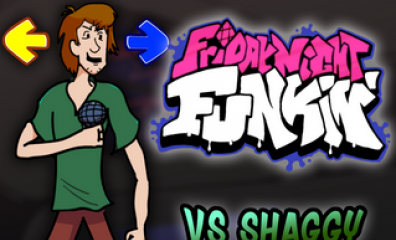
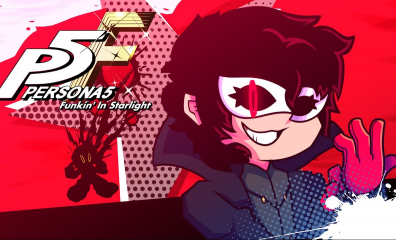
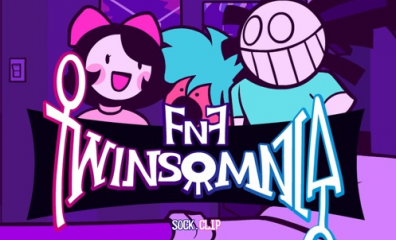
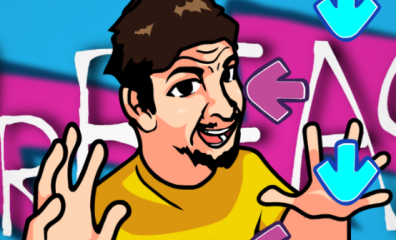
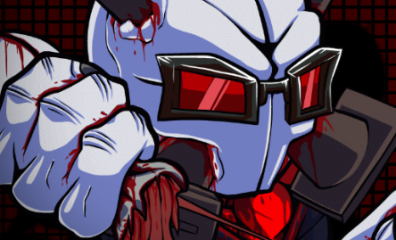
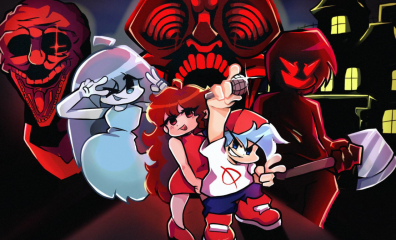
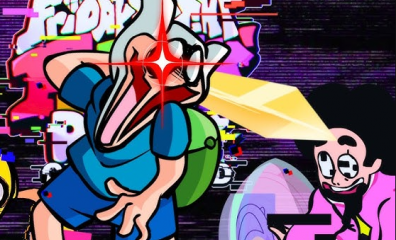
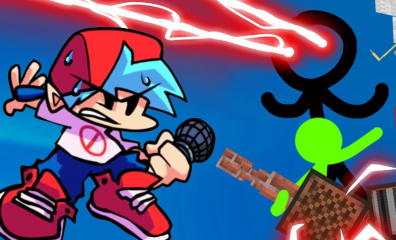
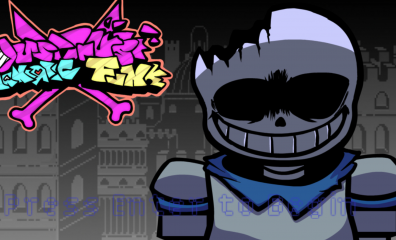
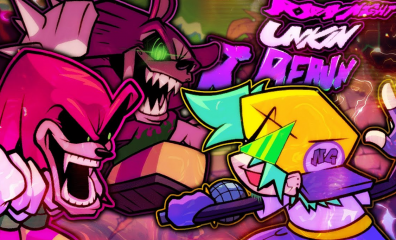
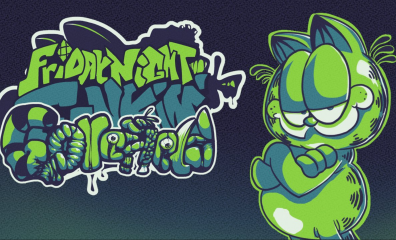
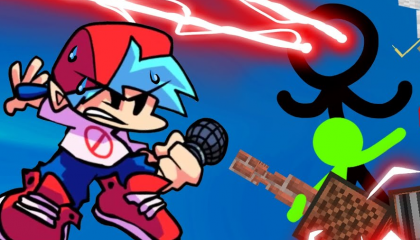
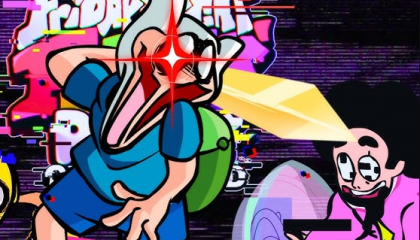
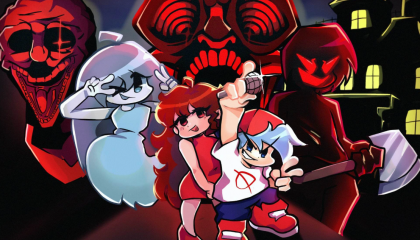
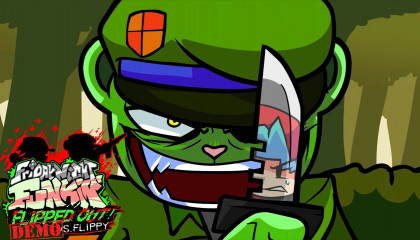
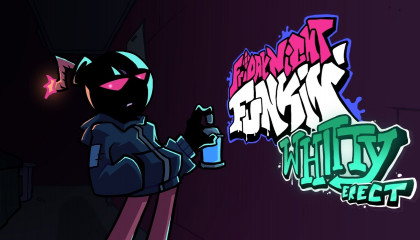
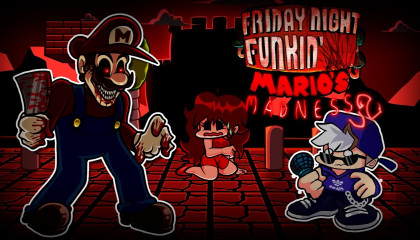
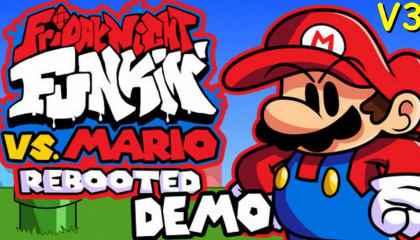
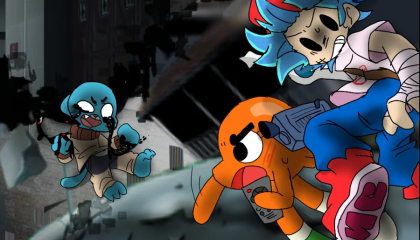
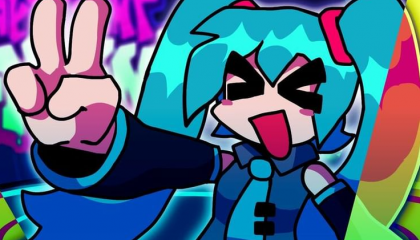
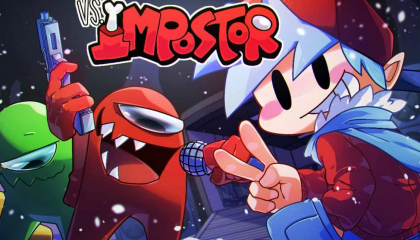
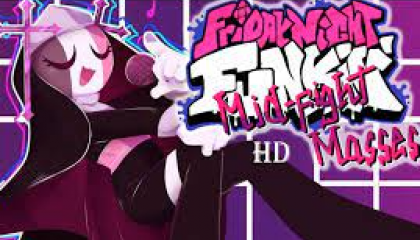
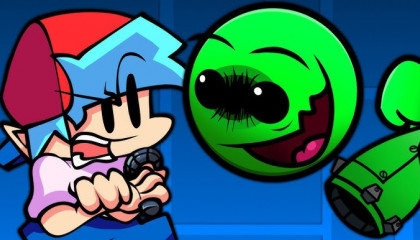
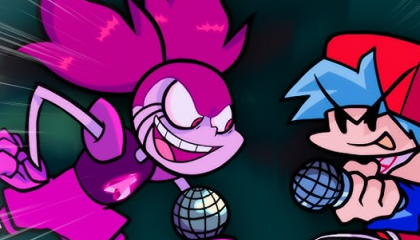
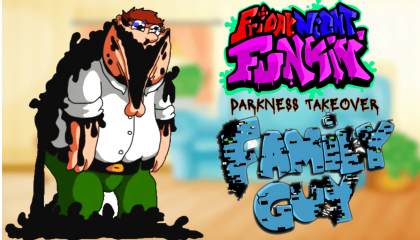
The result? A massive treasure trove with thousands of mods created by the community, ranging from famous characters (Sonic, Mario, Sans) to completely new concepts with their own storylines. Some mods like Whitty, Tricky, Shaggy, and Indie Cross have become icons, attracting millions of plays and views on YouTube.
What makes this special is that each mod doesn't just change the character; it brings new music tracks, unique gameplay mechanics, and even complete side stories. This is exactly why FNF has retained players for years – the content never runs dry.
How to master FNF for beginners?
Each game mode or music competition week in this game has three modes: Easy, Normal and Hard for you to choose accordingly. In addition, if you are new to FNF, I recommend you play in Free Play Mode first to get familiar with the controls in the game. Once you have mastered and are confident with your skills, play Story Mode and gradually increase the game level to feel the vibrant rhythm in each match. However, conquering difficult levels is not easy. Master the controls in this game to overcome every battle!
Controls and Scoring Mechanics
On PC/Laptop:
LEFT Arrow: Left Arrow Key (←) or A
DOWN Arrow: Down Arrow Key (↓) or S
UP Arrow: Up Arrow Key (↑) or W
RIGHT Arrow: Right Arrow Key (→) or D
On Mobile/Tablet:
Simply tap the corresponding arrows that appear on the screen.
Scoring Mechanism:
Perfect: Hit at 100% correct timing → +350 points
Good: Hit nearly correctly → +200 points
Bad: Slight mistiming → +100 points
Shit (Miss): Completely wrong timing or missed note → Lose health (Health Bar decreases)
When your Health Bar runs out, it's Game Over. Conversely, if you keep the health bar above the safe level until the end of the song, you win and proceed to the next stage.
You can watch this video tutorial to get a better understanding of how to play through the weeks in the FNF game:
Tips to win Hard Mode levels and avoid Game Over
Playing FNF on Easy mode can be quite simple, but when you step into Hard Mode or try your hand at tough mods like Tricky or Whitty, you will need to apply some smart tactics.
Hand Positioning: Use 4 fingers (index, middle, ring, pinky) on the arrow keys or WASD. Do not use just 2 fingers – this will limit your reflex speed.
Focus on the Hit Box, not the Character: Many people make the mistake of looking at Boyfriend while playing. Fix your eyes on the 4 arrow frames at the top to catch the rhythm better.
Listen to the music first: Listen to the track 1-2 times to understand the rhythm. Rhythm games are not just about reflexes, but also about feeling the music.
Use Practice Mode: Some versions of FNF or mods have a practice mode, allowing you to play slowly or replay difficult sections repeatedly.
Reduce Input Lag: If playing on the web, ensure you close unnecessary tabs and enable Hardware Acceleration on your browser.
Where to play FNF Online Free & Unblocked?
Why play FNF directly on fnfgo.pro instead of downloading?
While many gamers are used to downloading games, the trend of browser-based gaming is becoming increasingly popular. And for FNF, playing directly on the web offers superior benefits.
No Download: You don't have to waste time downloading game files, unzipping, or installing. Just access fnfgo.pro, pick your favorite mod, and play immediately. This is especially important for those with limited hard drive space.
Cross-platform: Whether you are using a PC, laptop, Android phone, iPhone, iPad, or tablet, fnfgo.pro works smoothly. No need to worry about OS compatibility or weak specs.
Unblocked: Many schools or companies block entertainment game sites. However, fnfgo.pro is optimized to bypass these filters, allowing you to entertain yourself during breaks without being detected.
Absolutely Safe: When downloading games from unknown sources, you risk getting viruses or malware. Playing directly on the web completely eliminates this risk.
Guide to access and play thousands of FNF Mods right on the browser?
Starting to play FNF on fnfgo.pro is incredibly simple. Just follow these 3 steps and enjoy thousands of high-quality mods instantly.
Step 1: Access fnfgo.pro – Open your favorite browser (Chrome, Edge, Safari, Firefox...) and type the address: https://fnfgo.pro
Step 2: Search or Select a Mod – On the homepage, you will see a list of "Top FNF Mods" or a search bar. Type the name of the mod you want to play (e.g., "Tricky", "Whitty", "Indie Cross") or browse through the featured suggestions.
Step 3: Click "Play" and Start – When you find a mod you like, just click the "Play" button. The game will load in a few seconds, and you can start the battle immediately.
What are the most outstanding FNF Mods available on fnfgo.pro?
Which are the Hardest Mods you should try?
If you like challenging yourself and want to test the limits of your reflexes, the "hardcore" mods below will definitely make you sweat.
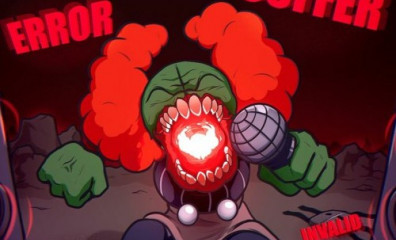
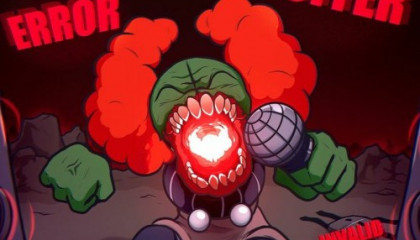
VS Tricky (Clown Madness): Considered one of the toughest mods, Tricky brings tracks with super-fast speeds and complex charts. Especially in the final phase (Expurgation), arrows appear so densely that you need reflexes like an automated machine.
VS Whitty (Ballistic): Whitty was one of the first mods to cause a fever in the FNF community. The famous track "Ballistic" is known for its extreme difficulty, requiring players to maintain a combo continuously for over 2 minutes.
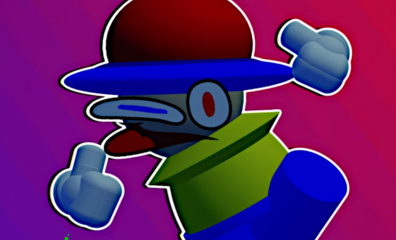
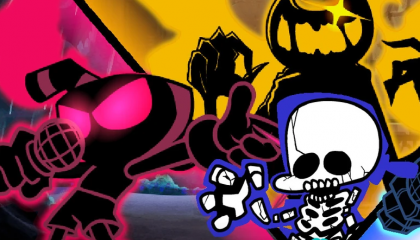
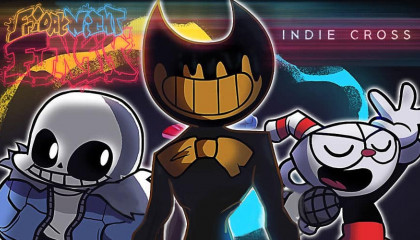
Indie Cross: This mod brings a combination of famous characters from other indie games like Cuphead, Sans (Undertale), and Bendy. Each character has unique mechanics, forcing players to adapt constantly.
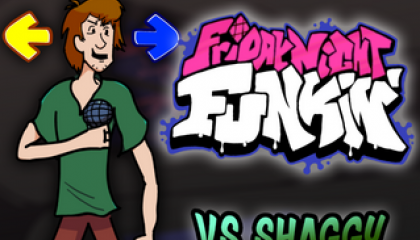
Shaggy (God Eater): A funny but extremely difficult mod. Shaggy with the "Ultra Instinct" meme is brought into FNF with incredibly fast tracks. If you think you're good, try God Eater mode.
Which Mods have the most impressive Storylines and Music today?
Not all FNF mods focus solely on difficulty. Some stand out thanks to deep stories, elaborately built characters, and high-quality music tracks that could be released as separate albums.
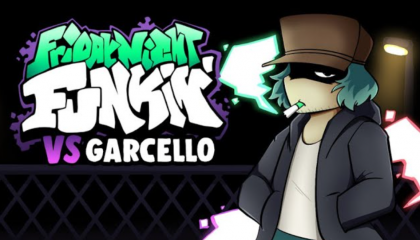
VS Garcello (Smoke 'Em Out Struggle): Garcello is a character with a touching story about a man fighting a smoking addiction. The final track "Fading" brings many players to tears.
VS Tabi (My Battle): Tabi is Girlfriend's ex-boyfriend, returning to take revenge on Daddy Dearest. This mod has a deep plot about betrayal, hurt, and revenge.
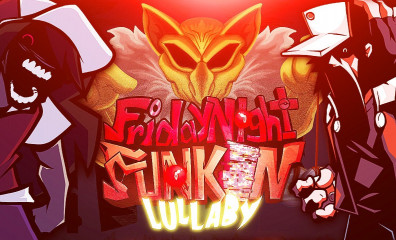
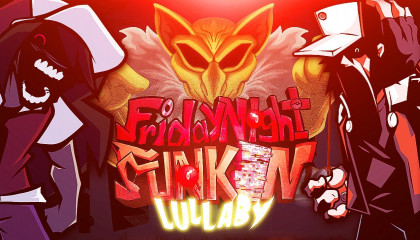
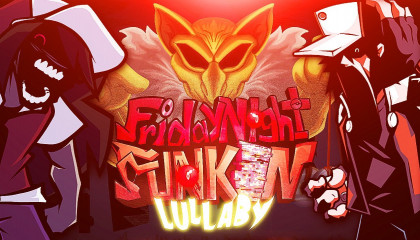
Hypno's Lullaby: Based on the famous Pokémon creepypasta, this mod brings a scary atmosphere with gloomy tracks, creating a thrilling feeling for players.
Common errors when playing FNF on browsers and how to fix them?
How to fix lag or slow loading when playing Online?
One of the most common issues when playing browser games is lag (stuttering, low frame rate) or slow loading. Here are effective fixes you can apply immediately.
Clear Browser Cache and Cookies: Over time, browsers accumulate a lot of temporary data (cache). Clear the cache periodically to improve performance. On Chrome: Ctrl + Shift + Delete → Select "Cached images and files" → Clear data.
Check Internet Connection: Online games require stable internet speeds. If using WiFi, ensure a strong signal. If possible, switch to a LAN cable for the best speed and stability.
Close Unnecessary Tabs: Every open tab consumes RAM. Close all other tabs to dedicate all resources to the game.
Lower Graphics Quality (If available): Some FNF versions allow adjusting graphics quality in settings. Lower it to Medium or Low if your machine is weak.
How to optimize browsers (Chrome/Edge) for the smoothest gameplay?
Modern browsers like Chrome or Edge have features to support better gaming. Here is how to enable them.
Enable Hardware Acceleration:
Open Chrome → Click the 3 dots (⋮) on the right corner → Settings.
Scroll down → System.
Turn on "Use hardware acceleration when available".
Restart the browser.
This feature helps the browser use the graphics card (GPU) instead of the CPU to render the game, minimizing lag and increasing FPS (frames per second).
Frequently Asked Questions (FAQ) about playing Friday Night Funkin' Online
1. Does playing FNF on fnfgo.pro save progress (Save Game)? Yes. The browser uses local memory (Local Storage/Cookies) to save your scores and progress, as long as you don't clear your browsing history.
2. Does FNF Online support Multiplayer? Some special mods on the web support a 2-player mode on the same keyboard. Please check the description of each mod.
3. What is the difference between playing on the web and downloading the original game file? Playing on the web is convenient, fast, and saves space ("quick and easy"). Downloading the original game file allows for deeper customization but carries a higher risk of viruses and takes more time to install.
Conclusion: Don't let the rhythm stop!
Friday Night Funkin' is not just a game; it is a culture, a community passionate about music. Instead of wasting time looking for safe download links or struggling with faulty installation files, why not choose the smarter way?
The world of FNF is vast with thousands of mods waiting for you to explore. Don't hesitate any longer, the stage is lit, the microphone is ready.












![FNF: Secret Histories [FNF vs Tails]](/upload/cache/upload/imgs/fnf-secret-histories-m396x240.png)
















![FNF Tankman Week 7 [HD]](/upload/cache/upload/imgs/fnf-tankman-week-7-hd2-m396x240.png)




![FNF: Secret Histories [FNF vs Tails]](/upload/cache/upload/imgs/fnf-secret-histories-m420x240.png)












![FNF Tankman Week 7 [HD]](/upload/cache/upload/imgs/fnf-tankman-week-7-hd2-m420x240.png)













About: FNF
Have you ever stayed up until 3 AM just to beat the final level of a rhythm game? Have you ever felt your heart pounding when the final arrow appeared on the screen? If the answer is yes, you are not alone. Since 2020, a small indie game has exploded into a global phenomenon with over 50 million plays, causing millions of gamers—from students to office workers—to spend endless hours "grinding." Its name? Friday Night Funkin’ – or FNF for short.
But this isn't just a simple rhythm game. FNF is a story about limitless creativity, a talented community of modders, and sleepless nights spent conquering every note. Most importantly, FNF proved that: You don't need AAA graphics, you don't need million-dollar marketing – just top-tier gameplay and a passionate community are enough to create a legend.
Play FNF for free right now at fnfgo.pro – No download, Unblocked!
What is FNF (Friday Night Funkin') and why did it become a global phenomenon?
FNF is an indie rhythm game developed in 2020. Cameron Taylor (ninjamuffin99) is a game programmer and his friends PhantomArcade3k and evilsk8r, these two are in charge of Artist, kawaisprite is in charge of music. Since its inception, the game has received great love from the online community. It attracts players not only with its interesting storyline and gameplay, catchy and vibrant music but also with its open source feature. Let's find out more about this game!
Unique storyline
The story of this music game revolves around the main character Boyfriend - a young man with blue hair, who is trying his best to conquer the heart of Girlfriend. To get a date, Boyfriend needs to overcome 7 consecutive weeks of music challenges with different opponents on different tracks.
Here is the challenging 7 Weeks journey that players must overcome:
Gameplay: Easy to understand but difficult to master
FNF's gameplay is extremely minimalist: Players only need to use 4 arrow keys (or WASD) to press in accordance with the arrows floating up on the screen to the music.
However, "easy to play" does not mean "easy to win". That simplicity quickly disappears when you enter the difficult levels (Hard) or the expansion mods. The speed of the arrows flying at breakneck speed, combined with the constantly changing beats, requires players to have excellent musical sense and extremely fast hand reflexes. This is the addictive element, making players feel frustrated when they lose, but also excited to try again immediately.
FNF's unique rhythm
The music in FNF is a vibrant mix of Nu-jazz, electronic music and street Hip-hop. The most unique point lies in the character's vocals: the "beep, bop" sounds are electronically funny but perfectly matched, creating an experience that is both fun and catchy.
Why did the Open Source Community help FNF explode?
If gameplay is the heart of FNF, then the community is the soul that makes it immortal. Unlike most commercial games, FNF was developed on an open-source platform (HaxeFlixel), allowing anyone to create their own mods (modifications).
The result? A massive treasure trove with thousands of mods created by the community, ranging from famous characters (Sonic, Mario, Sans) to completely new concepts with their own storylines. Some mods like Whitty, Tricky, Shaggy, and Indie Cross have become icons, attracting millions of plays and views on YouTube.
What makes this special is that each mod doesn't just change the character; it brings new music tracks, unique gameplay mechanics, and even complete side stories. This is exactly why FNF has retained players for years – the content never runs dry.
How to master FNF for beginners?
Each game mode or music competition week in this game has three modes: Easy, Normal and Hard for you to choose accordingly. In addition, if you are new to FNF, I recommend you play in Free Play Mode first to get familiar with the controls in the game. Once you have mastered and are confident with your skills, play Story Mode and gradually increase the game level to feel the vibrant rhythm in each match. However, conquering difficult levels is not easy. Master the controls in this game to overcome every battle!
Controls and Scoring Mechanics
On PC/Laptop:
LEFT Arrow: Left Arrow Key (←) or A
DOWN Arrow: Down Arrow Key (↓) or S
UP Arrow: Up Arrow Key (↑) or W
RIGHT Arrow: Right Arrow Key (→) or D
On Mobile/Tablet:
Simply tap the corresponding arrows that appear on the screen.
Scoring Mechanism:
Perfect: Hit at 100% correct timing → +350 points
Good: Hit nearly correctly → +200 points
Bad: Slight mistiming → +100 points
Shit (Miss): Completely wrong timing or missed note → Lose health (Health Bar decreases)
When your Health Bar runs out, it's Game Over. Conversely, if you keep the health bar above the safe level until the end of the song, you win and proceed to the next stage.
You can watch this video tutorial to get a better understanding of how to play through the weeks in the FNF game:
Tips to win Hard Mode levels and avoid Game Over
Playing FNF on Easy mode can be quite simple, but when you step into Hard Mode or try your hand at tough mods like Tricky or Whitty, you will need to apply some smart tactics.
Hand Positioning: Use 4 fingers (index, middle, ring, pinky) on the arrow keys or WASD. Do not use just 2 fingers – this will limit your reflex speed.
Focus on the Hit Box, not the Character: Many people make the mistake of looking at Boyfriend while playing. Fix your eyes on the 4 arrow frames at the top to catch the rhythm better.
Listen to the music first: Listen to the track 1-2 times to understand the rhythm. Rhythm games are not just about reflexes, but also about feeling the music.
Use Practice Mode: Some versions of FNF or mods have a practice mode, allowing you to play slowly or replay difficult sections repeatedly.
Reduce Input Lag: If playing on the web, ensure you close unnecessary tabs and enable Hardware Acceleration on your browser.
Where to play FNF Online Free & Unblocked?
Why play FNF directly on fnfgo.pro instead of downloading?
While many gamers are used to downloading games, the trend of browser-based gaming is becoming increasingly popular. And for FNF, playing directly on the web offers superior benefits.
No Download: You don't have to waste time downloading game files, unzipping, or installing. Just access fnfgo.pro, pick your favorite mod, and play immediately. This is especially important for those with limited hard drive space.
Cross-platform: Whether you are using a PC, laptop, Android phone, iPhone, iPad, or tablet, fnfgo.pro works smoothly. No need to worry about OS compatibility or weak specs.
Unblocked: Many schools or companies block entertainment game sites. However, fnfgo.pro is optimized to bypass these filters, allowing you to entertain yourself during breaks without being detected.
Absolutely Safe: When downloading games from unknown sources, you risk getting viruses or malware. Playing directly on the web completely eliminates this risk.
Guide to access and play thousands of FNF Mods right on the browser?
Starting to play FNF on fnfgo.pro is incredibly simple. Just follow these 3 steps and enjoy thousands of high-quality mods instantly.
Step 1: Access fnfgo.pro – Open your favorite browser (Chrome, Edge, Safari, Firefox...) and type the address: https://fnfgo.pro
Step 2: Search or Select a Mod – On the homepage, you will see a list of "Top FNF Mods" or a search bar. Type the name of the mod you want to play (e.g., "Tricky", "Whitty", "Indie Cross") or browse through the featured suggestions.
Step 3: Click "Play" and Start – When you find a mod you like, just click the "Play" button. The game will load in a few seconds, and you can start the battle immediately.
What are the most outstanding FNF Mods available on fnfgo.pro?
Which are the Hardest Mods you should try?
If you like challenging yourself and want to test the limits of your reflexes, the "hardcore" mods below will definitely make you sweat.
VS Tricky (Clown Madness): Considered one of the toughest mods, Tricky brings tracks with super-fast speeds and complex charts. Especially in the final phase (Expurgation), arrows appear so densely that you need reflexes like an automated machine.
VS Whitty (Ballistic): Whitty was one of the first mods to cause a fever in the FNF community. The famous track "Ballistic" is known for its extreme difficulty, requiring players to maintain a combo continuously for over 2 minutes.
Indie Cross: This mod brings a combination of famous characters from other indie games like Cuphead, Sans (Undertale), and Bendy. Each character has unique mechanics, forcing players to adapt constantly.
Shaggy (God Eater): A funny but extremely difficult mod. Shaggy with the "Ultra Instinct" meme is brought into FNF with incredibly fast tracks. If you think you're good, try God Eater mode.
Which Mods have the most impressive Storylines and Music today?
Not all FNF mods focus solely on difficulty. Some stand out thanks to deep stories, elaborately built characters, and high-quality music tracks that could be released as separate albums.
VS Garcello (Smoke 'Em Out Struggle): Garcello is a character with a touching story about a man fighting a smoking addiction. The final track "Fading" brings many players to tears.
VS Tabi (My Battle): Tabi is Girlfriend's ex-boyfriend, returning to take revenge on Daddy Dearest. This mod has a deep plot about betrayal, hurt, and revenge.
Hypno's Lullaby: Based on the famous Pokémon creepypasta, this mod brings a scary atmosphere with gloomy tracks, creating a thrilling feeling for players.
Common errors when playing FNF on browsers and how to fix them?
How to fix lag or slow loading when playing Online?
One of the most common issues when playing browser games is lag (stuttering, low frame rate) or slow loading. Here are effective fixes you can apply immediately.
Clear Browser Cache and Cookies: Over time, browsers accumulate a lot of temporary data (cache). Clear the cache periodically to improve performance. On Chrome:
Ctrl + Shift + Delete→ Select "Cached images and files" → Clear data.Check Internet Connection: Online games require stable internet speeds. If using WiFi, ensure a strong signal. If possible, switch to a LAN cable for the best speed and stability.
Close Unnecessary Tabs: Every open tab consumes RAM. Close all other tabs to dedicate all resources to the game.
Lower Graphics Quality (If available): Some FNF versions allow adjusting graphics quality in settings. Lower it to Medium or Low if your machine is weak.
How to optimize browsers (Chrome/Edge) for the smoothest gameplay?
Modern browsers like Chrome or Edge have features to support better gaming. Here is how to enable them.
Enable Hardware Acceleration:
Open Chrome → Click the 3 dots (⋮) on the right corner → Settings.
Scroll down → System.
Turn on "Use hardware acceleration when available".
Restart the browser.
This feature helps the browser use the graphics card (GPU) instead of the CPU to render the game, minimizing lag and increasing FPS (frames per second).
Frequently Asked Questions (FAQ) about playing Friday Night Funkin' Online
1. Does playing FNF on fnfgo.pro save progress (Save Game)? Yes. The browser uses local memory (Local Storage/Cookies) to save your scores and progress, as long as you don't clear your browsing history.
2. Does FNF Online support Multiplayer? Some special mods on the web support a 2-player mode on the same keyboard. Please check the description of each mod.
3. What is the difference between playing on the web and downloading the original game file? Playing on the web is convenient, fast, and saves space ("quick and easy"). Downloading the original game file allows for deeper customization but carries a higher risk of viruses and takes more time to install.
Conclusion: Don't let the rhythm stop!
Friday Night Funkin' is not just a game; it is a culture, a community passionate about music. Instead of wasting time looking for safe download links or struggling with faulty installation files, why not choose the smarter way?
The world of FNF is vast with thousands of mods waiting for you to explore. Don't hesitate any longer, the stage is lit, the microphone is ready.
CLICK HERE TO PLAY FNF FOR FREE AT FNFGO.PRO – Where the rhythm is never blocked!
Wishing you dramatic battles and don't forget to share your achievements with the community!